Alerting featuresemail, sms & slack
email, sms & slack

Email alerting
ServersCheck can notify you per email using either its built-in mail server or any outgoing SMTP server (using basic authentication or not). The content of the email can be customized using predefined variables.
ServersCheck can notify you per email using either its built-in mail server or any outgoing SMTP server (using basic authentication or not). The content of the email can be customized using predefined variables.
SMS / Text Messages alerting
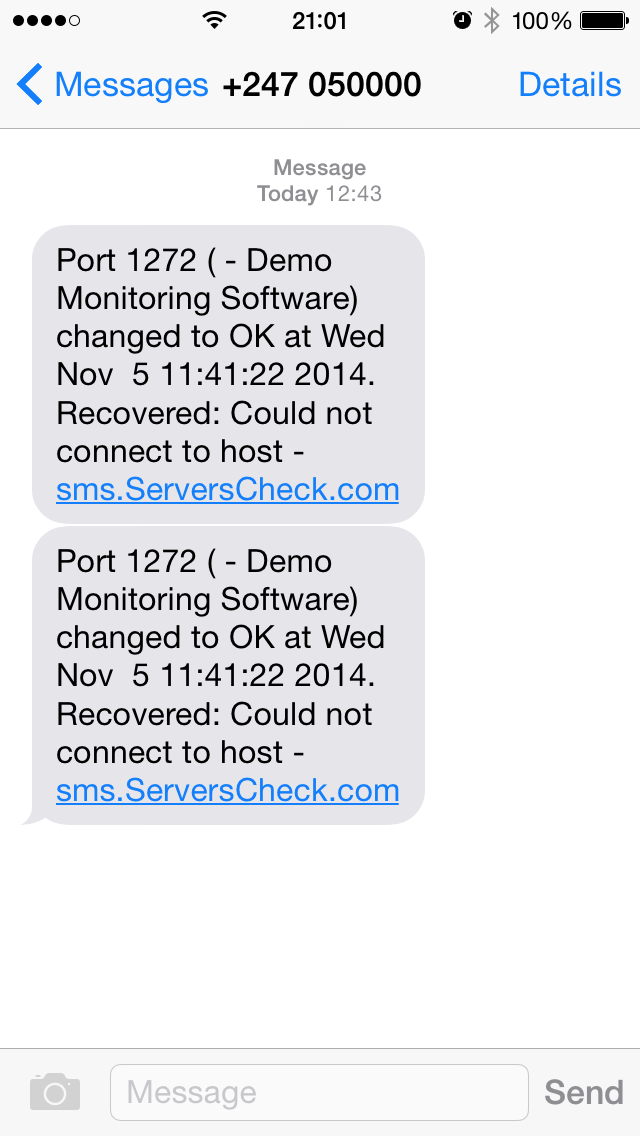
When an alert message needs to be sent, the Monitoring Software connects to our SMS Cloud Gateway to have it deliver the SMS or voice call. This requires SMS credits and an Internet connection. Credits can be purchased from your my ServersCheck account.
When an alert message needs to be sent, the Monitoring Software connects to our SMS Cloud Gateway to have it deliver the SMS or voice call. This requires SMS credits and an Internet connection. Credits can be purchased from your my ServersCheck account.
Slack alerting
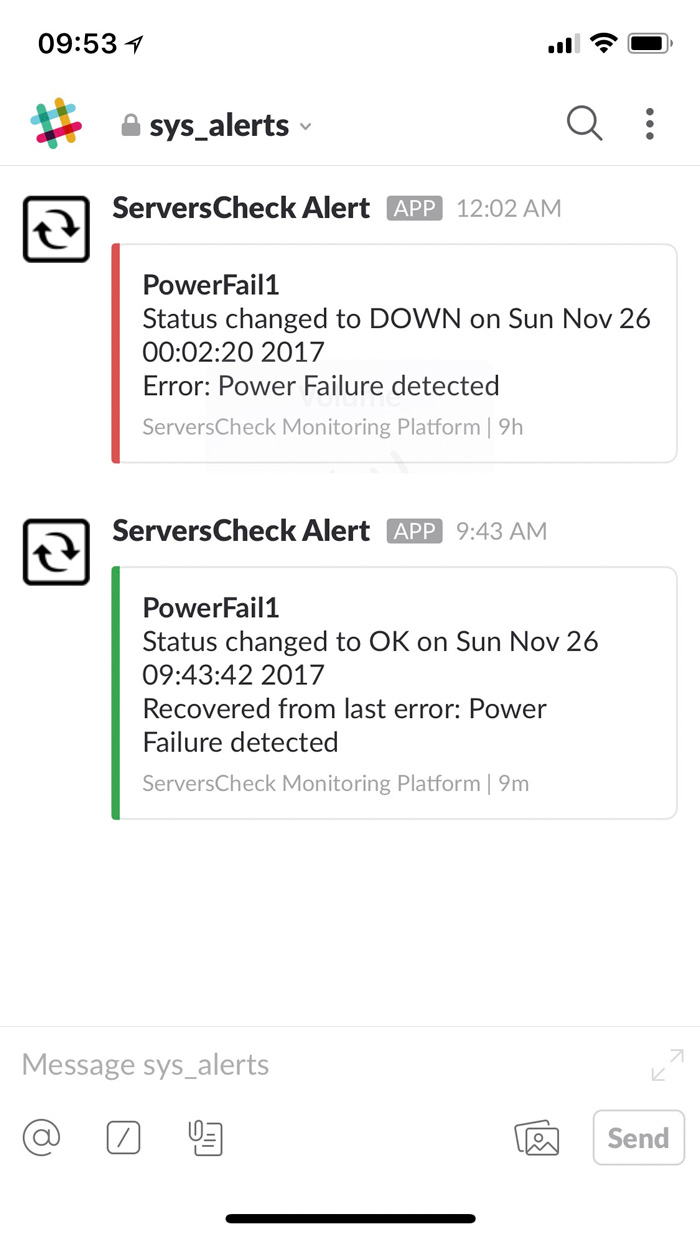
Receives alerts into your Slack channel from the Monitoring Software.
Easy to setup.
Free.
Receives alerts into your Slack channel from the Monitoring Software.
Easy to setup.
Free.
Businesses have become dependent on the availability of IT systems and nothing is more disturbing than having a customer or user reporting that a system failed.
With the alerting features available in the ServersCheck network monitoring software or appliance, you will be notified automatically when a system does not perform as expected.
But we go beyond the simple email alerts. You can now receive alerts via Slack so that you and your team get notifications in your preferred communication platform.
Need even more than Slack & email? The software integrates with our optional SMS & Voice Call Alerts. Using the Internet, the software connects to our cloud based messaging gateway to deliver the text message or voice call to your phone.
With the alerting features available in the ServersCheck network monitoring software or appliance, you will be notified automatically when a system does not perform as expected.
But we go beyond the simple email alerts. You can now receive alerts via Slack so that you and your team get notifications in your preferred communication platform.
Need even more than Slack & email? The software integrates with our optional SMS & Voice Call Alerts. Using the Internet, the software connects to our cloud based messaging gateway to deliver the text message or voice call to your phone.